How to Install Strong 8K IPTV Player on Firestick, Smart TV & All Devices (UK Guide 2026)

Setting up Strong 8K IPTV Player is quick, simple, and designed for users in the UK who want smooth streaming without technical hassle. This complete installation guide covers Firestick, Android, Smart TVs, iOS, Windows, Roku, and Enigma devices—with step-by-step instructions, fixes, and performance tips.

Most users complete setup in under 5 minutes.

Strong 8K IPTV player
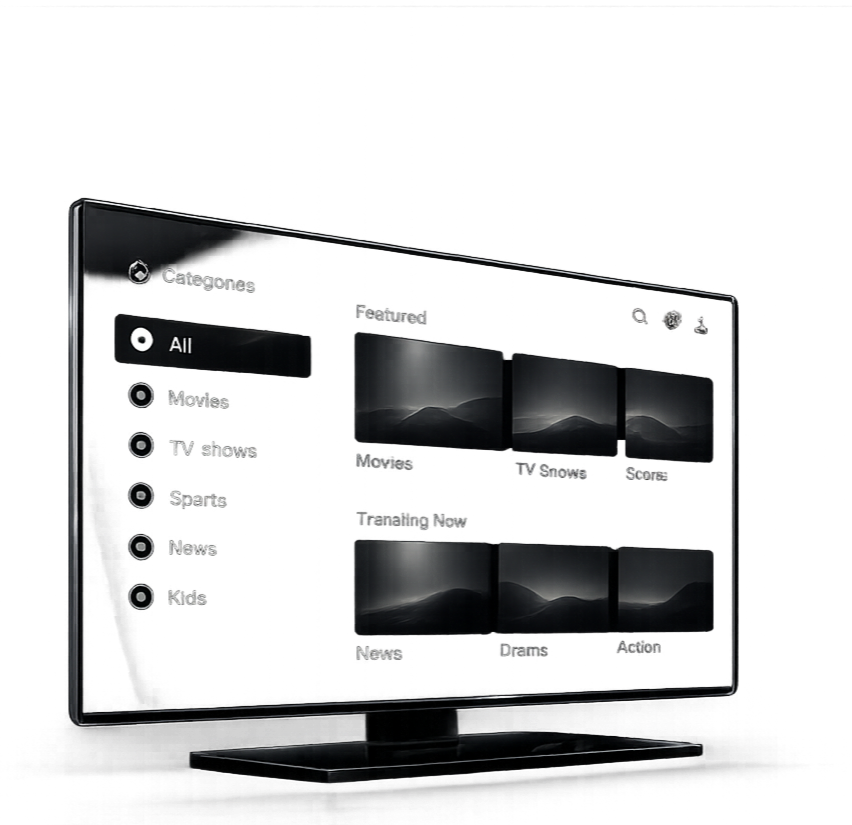
Strong 8K IPTV player interface showing live TV channels and VOD content on smart TV UK 2026 in 4K and 8K quality

What You Need Before Installing Strong 8K IPTV

Before starting, make sure you have:

  • A stable internet connection (20 Mbps minimum, 50+ Mbps recommended for 8K IPTV streaming)
  • Active Strong 8K IPTV subscription or free trial
  • IPTV login details (Xtream Codes API or M3U URL)
  • Compatible device (Firestick, Smart TV, Android, etc.)

Having these ready ensures a smooth setup process.

Step-by-Step Strong 8K IPTV Installation Guide by Device

Choose your device and follow the exact steps below.

Android TV and Firestick are the most popular options for 8K IPTV installation in the UK due to their speed and flexibility.

Steps:

  1. Open the Amazon App Store or Google Play Store
  2. Install an IPTV player (TiviMate, IPTV Smarters, or Downloader)
  3. Launch the app after installation
  4. Select login method (Xtream Codes API recommended)
  5. Enter your Strong 8K IPTV login details
  6. Click login and allow content to sync
  7. Channels and VOD will load automatically

This is the fastest and most stable IPTV setup method.
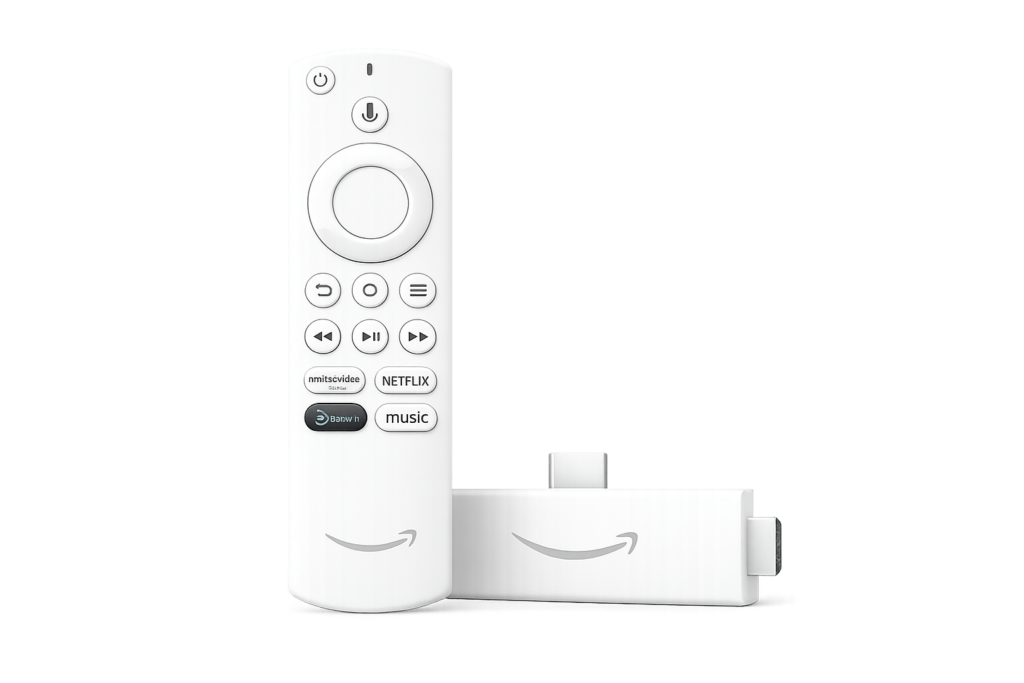
Strong 8K IPTV installation guide on Firestick showing step-by-step setup using IPTV player with Xtream Codes on Amazon Fire TV device in the UK

Android TVs are the second most popular choice for IPTV due to their flexibility and wide app compatibility.

Steps:
  • Open the Google Play Store
  • Install Downloader by AFTVnews
  • Enter the code provided by support
  • Download and install the Strong 8K IPTV app
  • Launch the app after installation
  • Select a login method (Xtream Codes API recommended)
  • Enter your Strong 8K IPTV login details
  • Click login and allow content to sync
  • Channels and VOD will load automatically
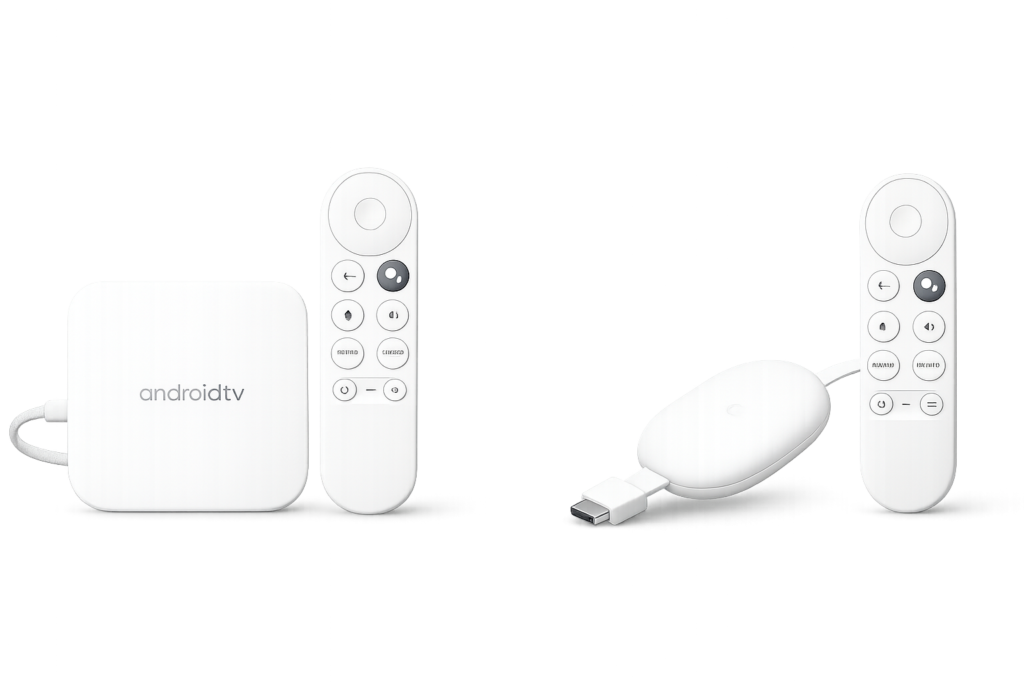
Strong 8K IPTV Player installation on Android TV devices showing IPTV player setup with Xtream Codes login on Android TV box and streaming device in the UK

iOS users can install IPTV apps directly from the App Store.

Recommended Apps:

  • Smarters Player Lite
  • GSE Smart IPTV
  • IBO Player

Steps:

  1. Open the Apple App Store
  2. Install one IPTV player
  3. Open the app
  4. Select login option (Xtream Codes or Playlist URL)
  5. Enter your IPTV credentials
  6. Save and refresh

Setup is secure and optimized for Apple devices.
Strong 8K IPTV player setup on iPhone, iPad and Apple devices showing IPTV player installation with Xtream Codes login for streaming in the UK

Smart TVs require compatible IPTV player apps for streaming.

Recommended Apps:

  • IBO Player
  • Smart One IPTV
  • IPTV Smarters Pro
  • HOT IPTV

Steps:

  1. Open your TV App Store
  2. Install a supported IPTV player
  3. Launch the app
  4. Find your MAC address or Device ID
  5. Send details for activation
  6. Restart the app to load channels

This setup ensures smooth playback on large screens.
Strong 8K IPTV setup on Samsung and LG Smart TVs showing IPTV player installation using MAC address or Device ID activation for streaming in the UK

Strong 8K IPTV can also be used on desktop systems.

Steps:

  1. Open Microsoft Store or download IPTV software
  2. Install apps like IPTV Smarters or VLC
  3. Launch the application
  4. Enter IPTV login details
  5. Load playlist or connect using Xtream Codes
  6. Start streaming

Ideal for users who prefer larger displays.
Strong 8K IPTV setup on Windows PC and desktop showing IPTV player installation using IPTV Smarters or VLC with Xtream Codes login for streaming in the UK

Roku requires supported IPTV apps for setup.

Steps:

  1. Open the Roku Channel Store
  2. Install a compatible IPTV player
  3. Launch the app
  4. Add IPTV credentials or request activation
  5. Refresh and load channels

Some Roku setups may require support assistance.
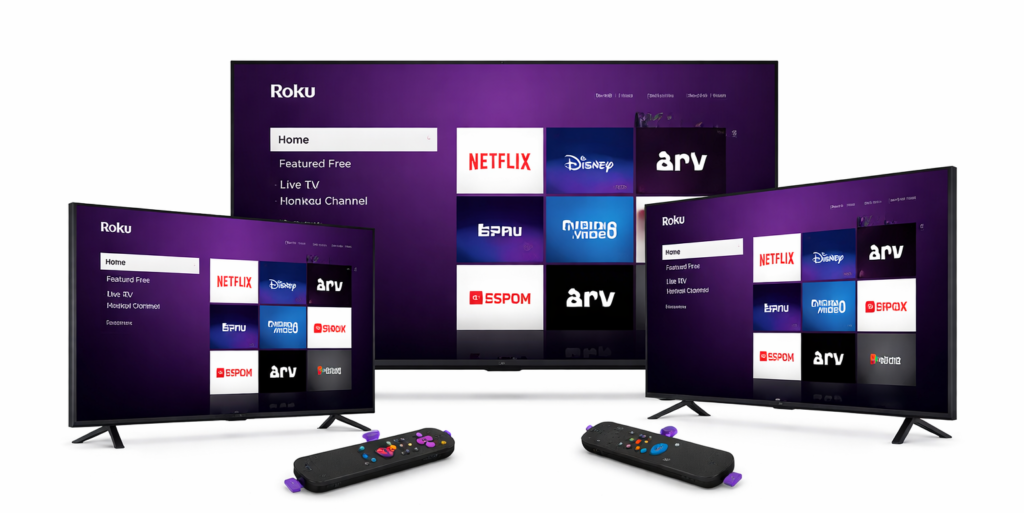
Strong 8K IPTV setup on Roku TV devices showing IPTV player installation and channel loading on Roku streaming devices in the UK

These devices offer direct IPTV integration.

Steps:

  1. Locate your MAC address
  2. Share it for activation
  3. Receive your portal URL
  4. Enter portal URL in device settings
  5. Restart or reload portal
  6. Channels will load automatically

This method is stable and widely used by advanced users.
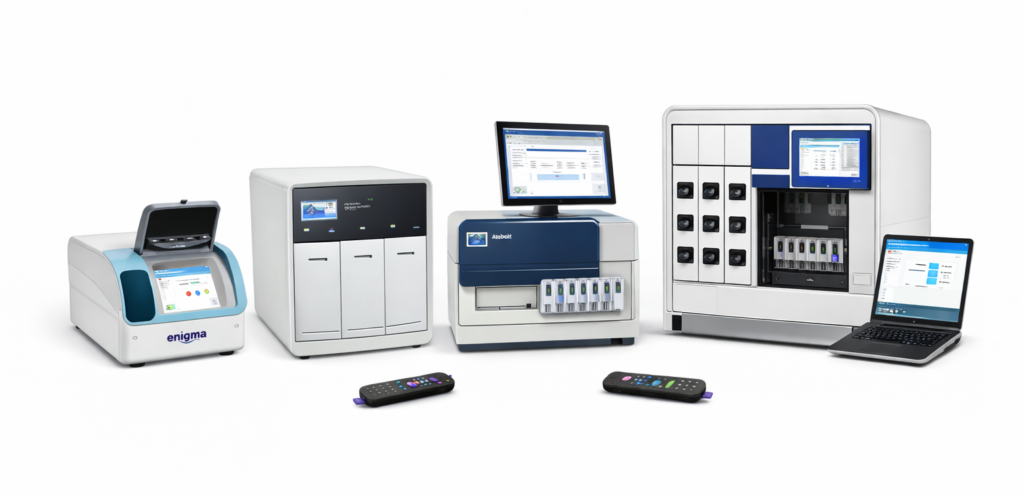
Strong 8K IPTV setup on Enigma2 and STB devices showing MAC address activation and portal URL configuration for IPTV streaming in the UK
Strong 8K IPTV Player UK 2026 running on multiple devices with stable fast streaming, high quality video and smooth performance without interruptions

Best Settings for Smooth 8K IPTV Player Streaming

To get the best performance from Strong 8K IPTV player:

  • Use a stable internet connection
  • Choose high-performance apps like TiviMate
  • Keep device storage optimized
  • Avoid running multiple apps in background

Proper setup = zero buffering experience.

Try Strong 8K IPTV Free Trial (UK)

Before committing, test everything yourself.

With the Strong 8K IPTV free trial, you can:

  • Check streaming quality
  • Test device compatibility
  • Evaluate speed and performance

No risk. Real experience.

Strong 8K IPTV Player streaming 4K and 8K live TV in the UK 2026 with fast, stable, no buffering performance on smart devices

Frequently Asked Questions (FAQs)

Start Streaming with Strong 8K IPTV Today

Now that you know how to install 8K IPTV Player on any device, you’re ready to start.

Fast setup. Stable streaming. No buffering.